Know which channels bring your best leads
Use our leads attribution tracing solution to reveal patterns and take action across marketing.
Tracks Source
Shows where the lead first came from, such as Google, Meta, Reddit, email, or direct.
Tracks Medium
Captures the traffic type behind the visit, such as cpc, organic, referral, or newsletter.
Tracks Campaign
Keeps the campaign name attached to the lead so paid and organic initiatives stay clear.
Tracks Path
Records the channel journey before submission, not just the final click.



You invest in multiple channels, but don't know which bring your best leads
Your leads come from everywhere.
Analytics tools show the totals, but they rarely show the journey behind each form submission 

That makes it easy to spend more on channels that look good on paper, while missing the ones that actually create customers.
TrackLeadSource connects every lead to its source, medium, campaign, and path, so you can see which channels deserve more budget.
Now, just imagine if you could...
See how your best leads found you
See the channels a lead visited before filling out your form, not just the last click.
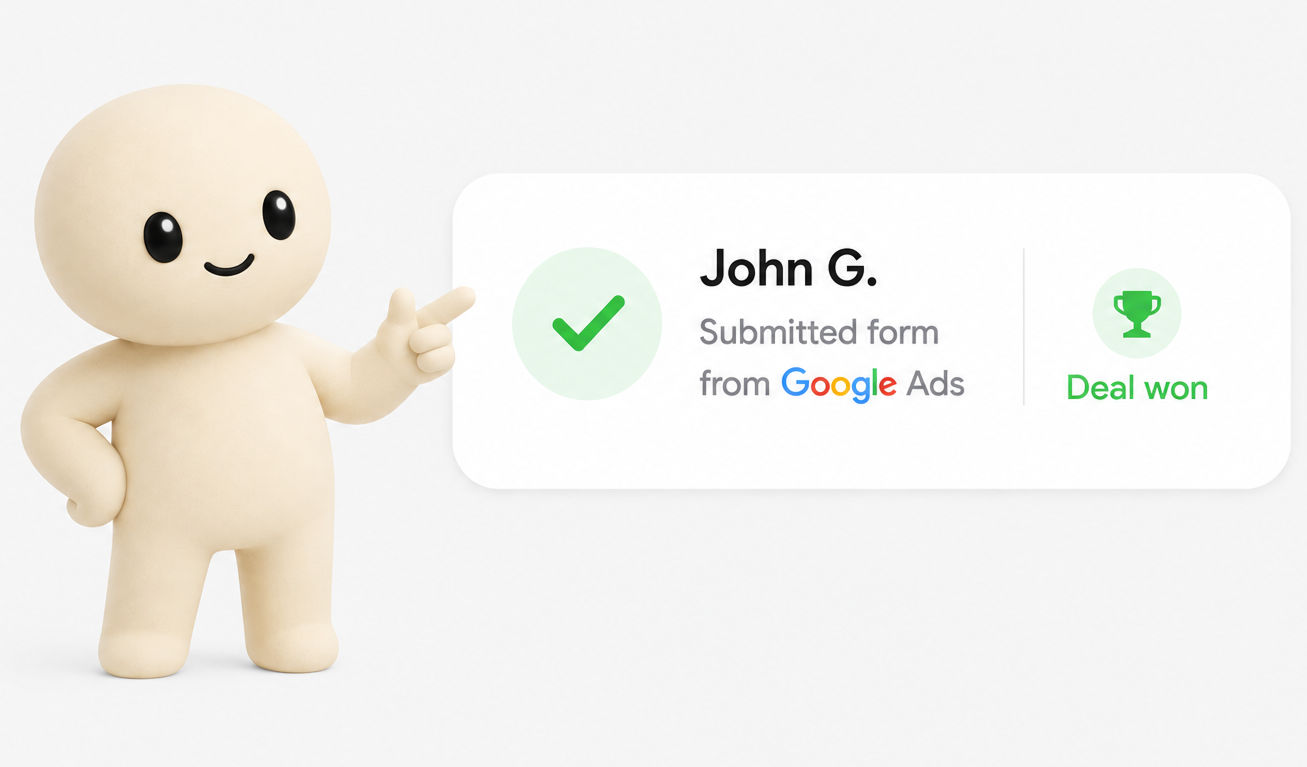
Understand what happened before they contacted you
Know if a lead came from Google, Meta, Reddit, ChatGPT, email, direct traffic, or a mix of several sources.
Form submitted
Journey attached
Compare channel performance clearly
See total leads, closed leads, and conversion rate by channel in one simple view.
Meta Ads
31 closed from 84 leads
CR
36.9%
Highest CR
Know which channels assist, not just close
See the channels that help leads decide before another channel gets the final conversion credit.
Leads that visited Trustpilot closed 24% better.
Reddit has lower CR, but strong support rate.
Google Ads assists and closes in the same journey.
ChatGPT often appears before high-intent form submissions.
Built for privacy-minded teams
Designed to keep lead source tracking simple, transparent, and aligned with your consent and GDPR requirements.

What happens next
You get in touch and share your website, forms, and current lead flow.
Your current stack, tracking options, and lead flow roadblocks are reviewed.
TrackLeadSource is installed around your existing forms and website setup.
Each new lead starts carrying clearer source, medium, and journey context.
Start knowing where to invest to generate qualified leads.
TrackLeadSource connects to your website and forms, then attaches source, medium, and path data to every new lead submission.
Hey 👋,I'm Augustinas GrupasHey 👋, I'm Augustinas Grupas
I help lead generation businesses understand which channels bring their best customers.
Most businesses know how many leads they generate, but not which channels actually create customers.
As a result, marketing budgets are often allocated based on assumptions rather than data.
That's why I built TrackLeadSource.
TrackLeadSource reveals the complete customer journey behind every lead, helping businesses identify where their highest-value customers really come from.
When you know where your best customers come from, you can invest in growth with confidence.
Frequently asked questions
Who is TrackLeadSource for?
+-
TrackLeadSource is for lead generation businesses that invest in multiple marketing channels and rely on website forms to capture leads. It is especially useful when you want to understand which channels bring customers, not just which channels bring form submissions.
How is TrackLeadSource different from Google Analytics?
+-
Google Analytics is useful for seeing website traffic and conversion totals. TrackLeadSource focuses on the individual lead submission, attaching source, medium, campaign, and journey context to the lead so you can understand where your best customers actually came from.
We already use a CRM. Why would we need this?
+-
Most CRMs store the lead after it has been submitted, but they often do not know the full marketing journey that happened before the form submission. TrackLeadSource adds that attribution context to the lead flow so your CRM can receive clearer source and journey data.
Will it work with our existing forms and CRM?
+-
Usually, yes. TrackLeadSource is adapted around your current website forms and lead flow where possible. Before installation, your forms and CRM handoff are reviewed so tracking can be added in the right place.
What if we have multiple forms or websites?
+-
That can be reviewed during setup. The goal is to understand how your forms, websites, landing pages, and lead destinations are connected, then decide the cleanest way to attach source and journey data across that flow.
Is TrackLeadSource GDPR compliant?
+-
Yes. The setup can be adapted for privacy-first businesses and configured around your existing cookie consent and privacy requirements. The exact implementation depends on your website, forms, consent setup, and what data you choose to collect.
Do you store data from our website visitors or customers?
+-
No. TrackLeadSource is not designed to store customer or visitor data from your website on our own servers. The goal is to pass attribution context into your existing lead flow, which reduces the risk of customer data being leaked from an additional external database.
What happens if tracking breaks or something changes?
+-
If your forms, landing pages, website setup, or tracking requirements change, the setup can be reviewed and adjusted. This matters because attribution often breaks when websites change and nobody checks the lead flow afterward.
What happens after I get in touch?
+-
We review your website, forms, current lead flow, and tracking setup. If TrackLeadSource fits your setup, it is installed around your existing forms so new leads can start carrying clearer source, medium, campaign, and journey data.